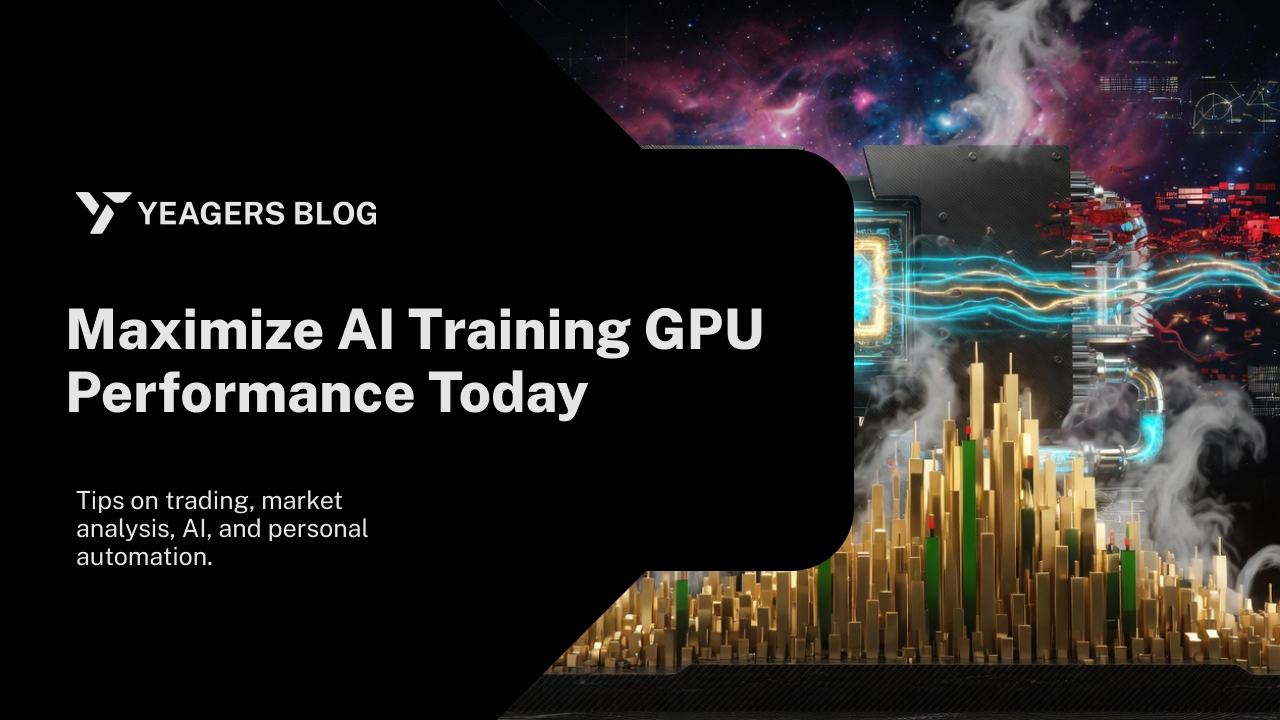
Maximize AI Training GPU Performance Today
"In the relentless pursuit of artificial intelligence, the GPU has become the modern crucible where algorithms are forged into intelligence. Optimizing its performance isn't merely about speed; it's about unlocking new frontiers of discovery and accelerating the pace of innovation," according to NVIDIA's AI Blog.
1. Introduction
The insatiable demand for more powerful artificial intelligence models continues to push the boundaries of computational resources. Graphics Processing Units (GPUs) are the bedrock of modern AI training, providing the parallel processing capabilities essential for deep learning. However, simply having powerful GPUs isn't enough; maximizing their performance is crucial for reducing training times, accelerating research, and lowering operational costs. This comprehensive guide will delve into the multifaceted strategies and techniques required to squeeze every ounce of performance from your AI training GPUs today, transforming potential into tangible results.
The journey to peak GPU performance involves a holistic approach, encompassing hardware selection, software optimization, data pipeline efficiency, and vigilant monitoring. Neglecting any one of these areas can lead to significant bottlenecks, leaving valuable computational power untapped. As AI models grow in complexity and dataset sizes swell, the need for efficient GPU utilization becomes not just an advantage, but a necessity for competitive advantage and groundbreaking research.
2. Understanding the Bottlenecks
Before optimizing, it's vital to identify where performance hindrances lie. A common misconception is that the GPU itself is always the bottleneck. Often, the true inhibitors are elsewhere in the system.
Data loading and preprocessing
Inefficient data handling can starve your GPUs of data, leaving them idle. If the CPU cannot feed data to the GPU fast enough, the GPU will spend cycles waiting, leading to underutilization. This is particularly prevalent with large datasets, complex data augmentation, or slow storage solutions.
GPU utilization
Sometimes, the GPU might not be fully utilized due to sub-optimal kernel launches, small batch sizes, or poorly optimized model architectures that don't fully leverage the GPU's parallel processing capabilities. Checking the GPU's actual compute utilization is key here.
Memory management
GPU memory is a finite and often precious resource. Excessive memory transfers between CPU and GPU, inefficient tensor allocation, or out-of-memory errors due to large models or batch sizes can severely impede training speed. Understanding memory access patterns is critical for high performance.
Software overhead
The overhead introduced by deep learning frameworks (TensorFlow, PyTorch), operating systems, and drivers can also consume valuable GPU cycles. Sub-optimal framework configurations or outdated drivers can contribute to performance degradation.
3. Hardware Optimization Strategies
The foundation of high-performance AI training lies in robust and well-configured hardware. Investing wisely here pays dividends.
Choosing the right GPU
Selecting the appropriate GPU is paramount. For deep learning, high core counts (CUDA cores or Tensor Cores), substantial VRAM, and high memory bandwidth are crucial. GPUs like NVIDIA's A100 or H100 are purpose-built for AI, offering specialized Tensor Cores for mixed-precision arithmetic and significant VRAM capacities. Consider the trade-off between single-GPU power and multi-GPU scalability for your specific workloads.
Optimizing system architecture
The surrounding infrastructure impacts GPU performance. A fast CPU with a high core count is necessary to handle data preprocessing and feed the GPUs efficiently. Sufficient system RAM prevents data from being swapped to slower storage, while a high-bandwidth PCIe bus (e.g., PCIe 4.0 or 5.0) ensures rapid data transfer between the CPU and GPU. For multi-GPU setups, ensuring adequate power delivery and cooling is also critical to prevent thermal throttling.
High-speed interconnects
For multi-GPU and distributed training, high-speed interconnects are vital. Technologies like NVIDIA NVLink allow GPUs to communicate directly with each other at extremely high bandwidths, bypassing the CPU and PCIe bus. This dramatically reduces latency and increases throughput for gradient synchronization and data exchange, crucial for scaling deep learning models across multiple GPUs within a single server or across a cluster.
4. Software and Framework Enhancements
Hardware is only half the equation; intelligent software configurations and coding practices unlock its full potential.
Efficient data pipelines
Optimizing your data pipeline is often the first and most impactful step.
- Prefetching and caching: Implement data loading techniques that prefetch data batches to the GPU while the current batch is being processed. Caching frequently accessed data can also reduce redundant I/O operations.
- Parallel data loading: Use multiple worker processes or threads to load and preprocess data in parallel, saturating the CPU and ensuring a continuous flow to the GPU. Frameworks like TensorFlow's
tf.dataAPI and PyTorch'sDataLoaderwithnum_workersare excellent for this. - Data format optimization: Store your data in efficient binary formats (e.g., TFRecord, HDF5, Parquet) rather than raw images or text files, minimizing parsing overhead.
Model architecture and sparsity
Not all model architectures are equally efficient.
- Model complexity: While larger models often yield better accuracy, they also demand more computation. Consider model pruning or quantization to reduce their footprint without significant accuracy loss.
- Sparsity: Introduce sparsity into your models where possible. Sparsity can reduce computation and memory access requirements, especially when combined with hardware accelerators designed for sparse operations.
- Kernel optimization: For custom operations, writing optimized CUDA kernels can provide significant speedups over generic implementations, though this requires specialized knowledge.
Mixed precision training
This technique involves performing certain operations with lower precision (e.g., FP16 instead of FP32) without sacrificing model accuracy.
- Reduced memory usage: FP16 uses half the memory of FP32, allowing for larger batch sizes and models.
- Faster computation: Modern GPUs, especially those with Tensor Cores, can perform FP16 operations much faster than FP32 operations. Frameworks like PyTorch's
torch.cuda.ampand TensorFlow'stf.keras.mixed_precisionmake this easy to implement. Dynamic loss scaling is often used to prevent underflow with FP16 gradients.
Distributed training techniques
To train extremely large models or accelerate training on massive datasets, distributed training becomes essential.
- Data parallelism: The most common approach, where each GPU receives a different slice of the data, computes gradients locally, and then aggregates them (e.g., using
all-reduce) before updating the model parameters. This scales computation across multiple devices. - Model parallelism: For models too large to fit on a single GPU, different layers or parts of the model are distributed across multiple GPUs. This is more complex to implement but necessary for monumental models.
- Hybrid approaches: Combining data and model parallelism to maximize efficiency. Frameworks like PyTorch DistributedDataParallel (DDP) and Horovod simplify the implementation of distributed training.
5. Monitoring and Profiling Tools
You can't optimize what you don't measure. Effective monitoring and profiling are critical for identifying performance bottlenecks.
GPU utilization metrics
Regularly monitor key GPU metrics.
nvidia-smi: A command-line utility providing real-time information on GPU utilization, memory usage, temperature, and power consumption.- Framework-specific tools: TensorFlow Profiler and PyTorch's Autograd profiler offer more detailed insights into kernel execution times, memory allocations, and operation-level performance.
- Visualization tools: Tools like TensorBoard can visualize profiling data, making it easier to pinpoint slow operations or idle periods.
Profiling frameworks
Deep dive into the execution flow of your training scripts.
- CUDA profilers: Tools like NVIDIA Nsight Systems and Nsight Compute provide incredibly detailed timelines of GPU kernel launches, memory transfers, and CPU activity, helping to visualize dependencies and identify synchronization issues. These are indispensable for low-level optimization.
6. Best Practices for Sustainable Performance
Optimization is an ongoing process, not a one-time fix.
Iterative optimization
Treat performance tuning as an iterative process. Start with identifying the biggest bottleneck, implement a solution, measure the impact, and then move to the next bottleneck. Small, consistent improvements accumulate over time. Regularly revisit your optimizations as your models, data, or hardware evolve.
Staying updated
The AI landscape evolves rapidly.
- Keep drivers and frameworks current: New versions of NVIDIA drivers, CUDA toolkits, and deep learning frameworks often include performance enhancements and bug fixes. Regularly updating these components can provide significant, "free" speedups.
- Follow community best practices: Engage with the AI/ML community, attend webinars, and read blogs from experts (like those from NVIDIA, Google AI, Meta AI) to stay informed about the latest optimization techniques and hardware innovations.
7. Conclusion
Maximizing AI training GPU performance is a journey that demands a comprehensive understanding of both hardware capabilities and software intricacies. By meticulously addressing data bottlenecks, leveraging powerful hardware, implementing advanced software techniques like mixed-precision and distributed training, and continuously monitoring your pipeline, you can dramatically reduce training times and accelerate your AI development cycle. The pursuit of optimal GPU performance is not just about raw speed; it's about making AI research more agile, cost-effective, and ultimately, enabling the creation of more sophisticated and impactful artificial intelligence. Embrace these strategies today to unleash the full potential of your AI training infrastructure.
Keep reading